Guide · Hot air and rework
Hot-air rework station buying guide
Voltage variant first, then temperature control, airflow, nozzles and sleep: how to read hot-air station specs and listings for a 120 V US or Canadian bench.
We may earn a commission if you buy through links on this page, at no extra cost to you. Unless a page says otherwise, our picks come from published specifications and listing research, not hands-on testing. How we make money · How we research
Short answer
Check the voltage first. Many hot-air stations are built for 220 V only, and a plug adapter does not change that, so a US or Canadian bench needs a variant that explicitly says 110 V or 110-120 V.[1][2][3] After that, look for sensor-controlled temperature, airflow you can adjust, nozzles that suit the parts you rework, and a holder that puts the handle to sleep. Treat wattage and airflow figures as rough size classes: brands state them in different ways.
What a hot-air station does
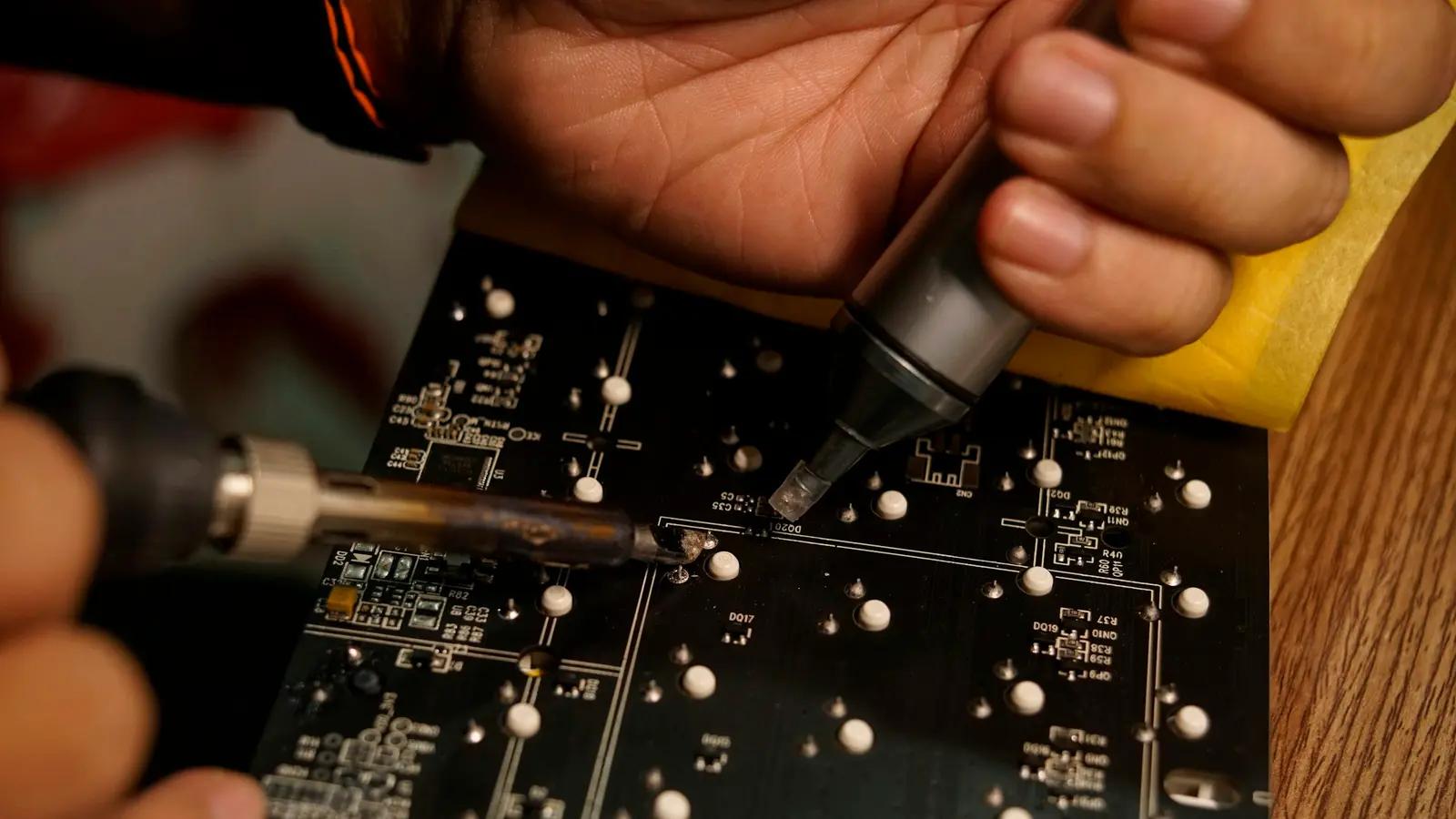
A hot-air rework station heats air in its handle and blows it through a nozzle onto the board. Every joint under the nozzle melts at the same time. That is what you need to lift a multi-pin surface-mount chip, a connector or a metal shield, which an iron can only heat one pin at a time. It is also how you reflow a replacement part into place.
If your work is mostly through-hole parts and wires, a temperature-controlled iron, flux and a desoldering method come first. See how to use solder wick.
Step 1: get the voltage variant right
In the United States, outlets supply 110-120 V at 60 Hz.[2] Many hot-air stations are built for 220 V instead. Two maker pages show how plainly it can be stated:
- YIHUA's page for its 959D lists the input as AC 220 V ±10%, 50 Hz, and shows no 110 V version.[1]
- QUICK's page for its 861DW lead-free station lists AC 220 V only.[4]
The model name does not settle the question. Weller, for example, sells its WE1010 education kit as separate 120 V and 230 V versions under the same model name.[5][6]
On an AliExpress listing, open the variant picker and select the option that names 110 V (or 110-120 V) and a US plug. If a listing offers only 220 V, skip it. A plug adapter changes the shape of the plug, not the voltage.
Step 2: read the spec sheet the right way
| Spec | What it tells you | Example from a maker page |
|---|---|---|
| Input voltage | Whether it can run on your outlet | YIHUA 959D: AC 220 V only[1] |
| Heater power | The size of the heater, not how evenly heat reaches the part | YIHUA 959D: 650 W; QUICK 861DW: 1000 W[1][4] |
| Temperature range | How far the dial goes | 959D: 100-450 °C; 861DW: 100-500 °C[1][4] |
| Airflow | How hard it can blow | 959D: up to 120 L/min; 861DW: a 1-120 step scale[1][4] |
| Temperature control | Whether a sensor holds the set temperature | 861DW: closed-loop sensor control[4] |
| Sleep | Whether it cools down when you rest the handle | 861DW: magnetic-switch auto sleep[4] |
| Nozzles | Which part sizes it suits out of the box | 959D: 5, 8 and 10 mm nozzles[1] |
Two warnings follow from that table.
First, airflow figures are not comparable between brands. YIHUA states liters per minute, while QUICK's 1-120 figure is a scale of adjustment steps.[4] A bigger number on one listing tells you nothing about another.
Second, a temperature range is the span of the dial. It is not a recommended setting for any part, and a higher maximum is not, by itself, a sign of a better station.
Step 3: airflow and nozzles
Look for airflow that adjusts smoothly or in fine steps, not just a few fixed speeds. Check how the listing expresses it: a station that states liters per minute is easier to compare than one with an unlabeled knob.
Nozzles matter too. Match the nozzle to the part: a small round nozzle for small chips and pins, a larger one for big packages and shields. Before you buy, check that spare nozzles for that exact handle are sold separately, so you can add sizes later.
Step 4: one box or two?
Combo stations put a soldering iron and a hot-air handle in one case. That saves bench space and an outlet. The trade-off is that both tools share one box, so a fault or an upgrade affects both. Standalone stations can be replaced one at a time. Judge a combo on its exact iron, hot-air handle and voltage variant, not on the number of functions.
Hot air can also take longer to warm up than an iron. In Tom's Hardware's own timing of one unit, the YIHUA 995D+ hot-air handle took 92 seconds to reach working temperature, against 24 seconds for the same station's iron.[7]
Step 5: check the listing before you order
- Voltage and plug. The variant you select names 110 V or 110-120 V and a US plug.
- Handle and nozzles. Spare nozzles for that handle are sold.
- Seller. Note the store name. A store name that contains a brand is not proof the brand runs the store.
- Safety marks. A logo in a photo is not certification. Intertek, for example, lets you check ETL listings in its public directory.[8] See what UL, ETL, CE and FCC marks mean.
- Returns. AliExpress's Free Return terms apply only to products carrying the Free Return label, with a request within 15 calendar days and the item unused in its original packaging.[9]
A standalone station with a US variant
The JCD 858D listing, from a store named JCD Official Store, sells a 110 V US-plug variant alongside a 220 V EU-plug one. Its specifications are the seller's own and have not been independently verified. Choose the variant carefully: the wrong one will not suit a US or Canadian outlet.
Next
Questions
Can I use a 220 V hot-air station in the US with a plug adapter?
No. A plug adapter changes the shape of the plug, not the voltage. US outlets supply 110-120 V at 60 Hz, so buy the variant made for that, labeled 110 V or 110-120 V.[2]
Are hot-air station airflow numbers comparable between brands?
Not reliably. YIHUA states up to 120 L/min for its 959D, while QUICK's 861DW uses a 1-120 scale of adjustment steps, so similar-looking numbers mean different things.[1][4]
Do I need hot air if I only solder through-hole parts?
Usually not. Hot air melts every joint of a surface-mount part, connector or shield at once; for through-hole work, start with an iron, flux and a desoldering method such as solder wick.
Is a 2-in-1 soldering and hot-air station a good idea?
It saves space and an outlet, but both tools share one box, so a fault or an upgrade affects both. Judge it on the exact voltage variant, controls and nozzles, not on the number of functions.
How long does a hot-air station take to heat up?
It varies by model. In Tom's Hardware's own timing of one unit, the YIHUA 995D+ hot-air handle took 92 seconds to reach working temperature, against 24 seconds for the same station's iron.[7]